Your AI Agent Is Probably Driving an Outdated Browser With the Sandbox Switched Off
Playwright bundles its own Chromium that lags Chrome stable, and it launches with the sandbox off by default. For a human running tests that is a small risk. For an AI coding agent browsing the open web on your laptop, it is a bigger one. The fix takes 2 settings.
Last verified Also on Medium
On this page
On 2 November 2026 a developer who goes by nisten posted a blunt warning for anyone running AI coding agents on their laptop with no container around them. The gist was to have the agent delete Playwright, because even the latest version bundles an outdated Chromium and runs it with the sandbox turned off. I think the delete advice is too drastic for most people, and the underlying problem he pointed at is real and worth understanding, because a lot of developers are now letting AI agents browse the live web from machines that hold their credentials.
What Playwright actually ships
Playwright is Microsoft’s browser automation tool, the thing a huge share of test suites and, increasingly, AI agents use to drive a browser. It does not use whatever Chrome you have installed. It downloads and bundles its own copy of Chromium, and that copy only moves forward when Playwright itself ships a new release.
That is the first half of the problem. According to nisten’s breakdown, Playwright 1.64.1 bundled Chromium 156.0.8078.4, while Chrome stable had moved to 156.0.8078.79 and .80 on 29 October. The numbers look close, but the gap is the point. Google patches Chromium security bugs and pushes them to Chrome stable fast, and your real Chrome updates itself quietly in the background. Playwright’s bundled browser does not. It stays on whatever build shipped with your Playwright version until the next Playwright release catches up. So a developer who runs the latest Playwright and assumes they are current can still be driving a browser that is weeks behind on security fixes.
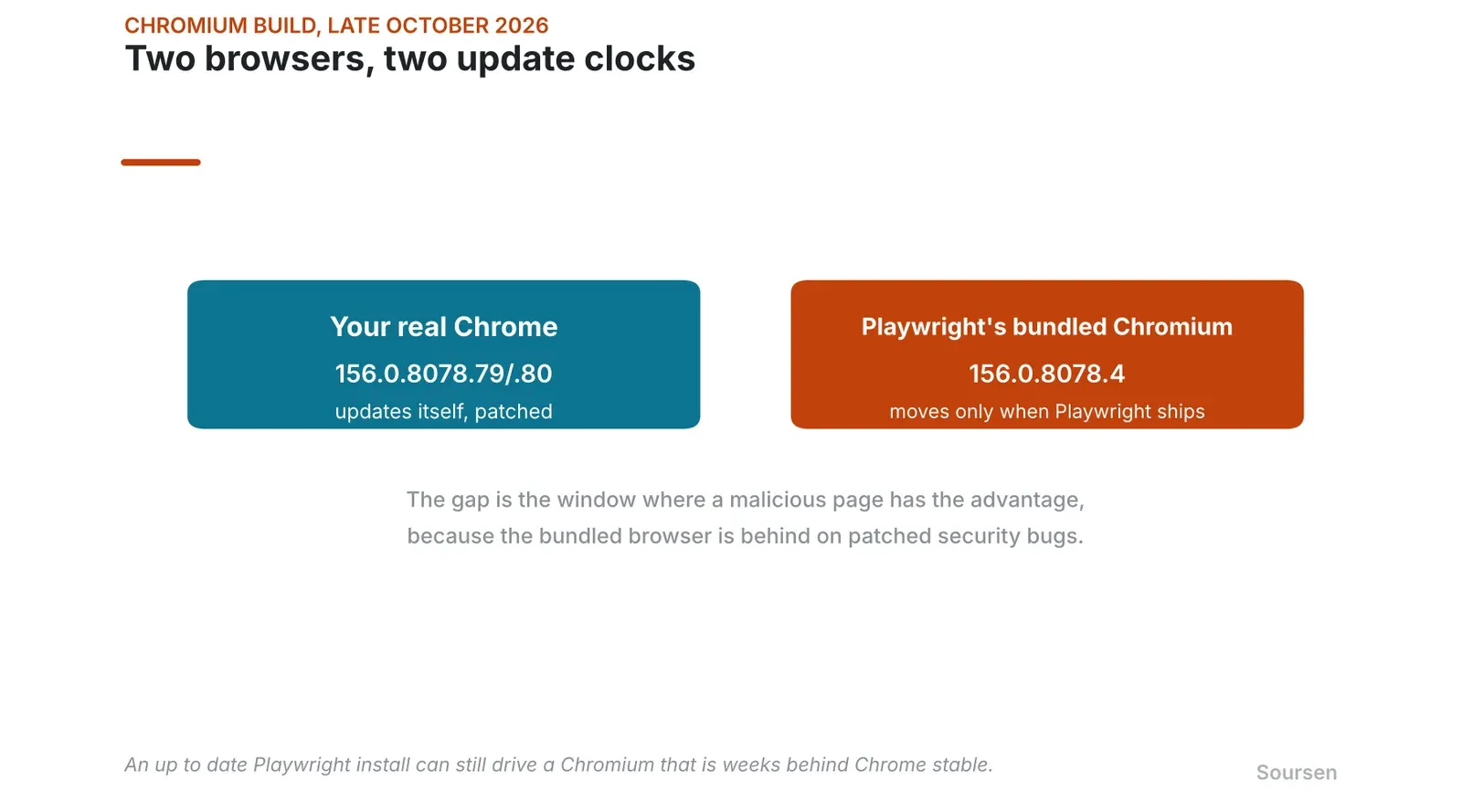
Your real Chrome updates itself. Playwright’s bundled Chromium only moves when Playwright ships a new release, so it can sit behind. Source: nisten PSA, Chrome release data, Nov 2026
The known bugs in that gap
nisten named 4 Chromium CVEs that the bundled build was behind on, CVE-2026–118306, CVE-2026–118331, CVE-2026–118344, and CVE-2026–118348. These are real Chromium 156 vulnerabilities, with fixes that landed in a later build, 156.0.8078.73, and at least one of them, CVE-2026–118306, is a sandbox escape.
I want to be careful here, because a community audit of the claim noted that whether a given Playwright install is affected depends on the exact bundled build, and that the specific tie to Playwright had not been independently confirmed at the time. So treat the precise CVE list as the reporter’s claim rather than a settled fact. The structural issue does not depend on those 4 numbers, though. A browser that updates on a slower clock than Chrome stable will always spend some stretch of time behind on patched security bugs, and that stretch is exactly when a malicious page has the advantage.
The sandbox is the part that turns a bug into a breach
The detail that makes the version gap matter is the sandbox. Playwright launches Chromium with the sandbox off by default. Its chromiumSandbox option defaults to false, so launches run as if you passed the no sandbox flag, as documented in hardening guides for the tool.
There is a reason for that default, and it explains why it is wrong for agents specifically. Chromium’s sandbox relies on Linux user namespaces, which do not work when the browser runs as root, and the standard way to run Playwright in continuous integration is inside a Docker container as root. Defaulting the sandbox off keeps those CI runs from breaking. The trouble is that the default follows people everywhere, including onto their laptops, where they are not root and the sandbox would work fine. A setting chosen to avoid friction in a test pipeline becomes the setting an AI agent inherits while browsing the open web on a developer’s personal machine.
The sandbox is the wall between a web page’s code and the rest of your computer. A browser is built on the assumption that the page it loads is hostile, so it runs the page’s rendering in a locked down process that cannot touch your files, your other processes, or your credentials. A bug in that rendering process, on its own, stays trapped inside the sandbox. A sandbox escape is a separate, harder class of bug that breaks out of that wall. The reason modern browsers are relatively safe to point at the open web is that an attacker needs both, a rendering bug and an escape.
Turn the sandbox off and you delete that second requirement. Now a single rendering bug runs with the full privileges of the browser process, which on your laptop means your user account. There is no wall left to escape, because you removed it. A community blast radius analysis of exactly this setup spelled it out, a renderer bug with the sandbox on stays in the renderer, but with the sandbox off it runs as you, with access to the sockets, terminals, and stored cookies the browser process can reach.
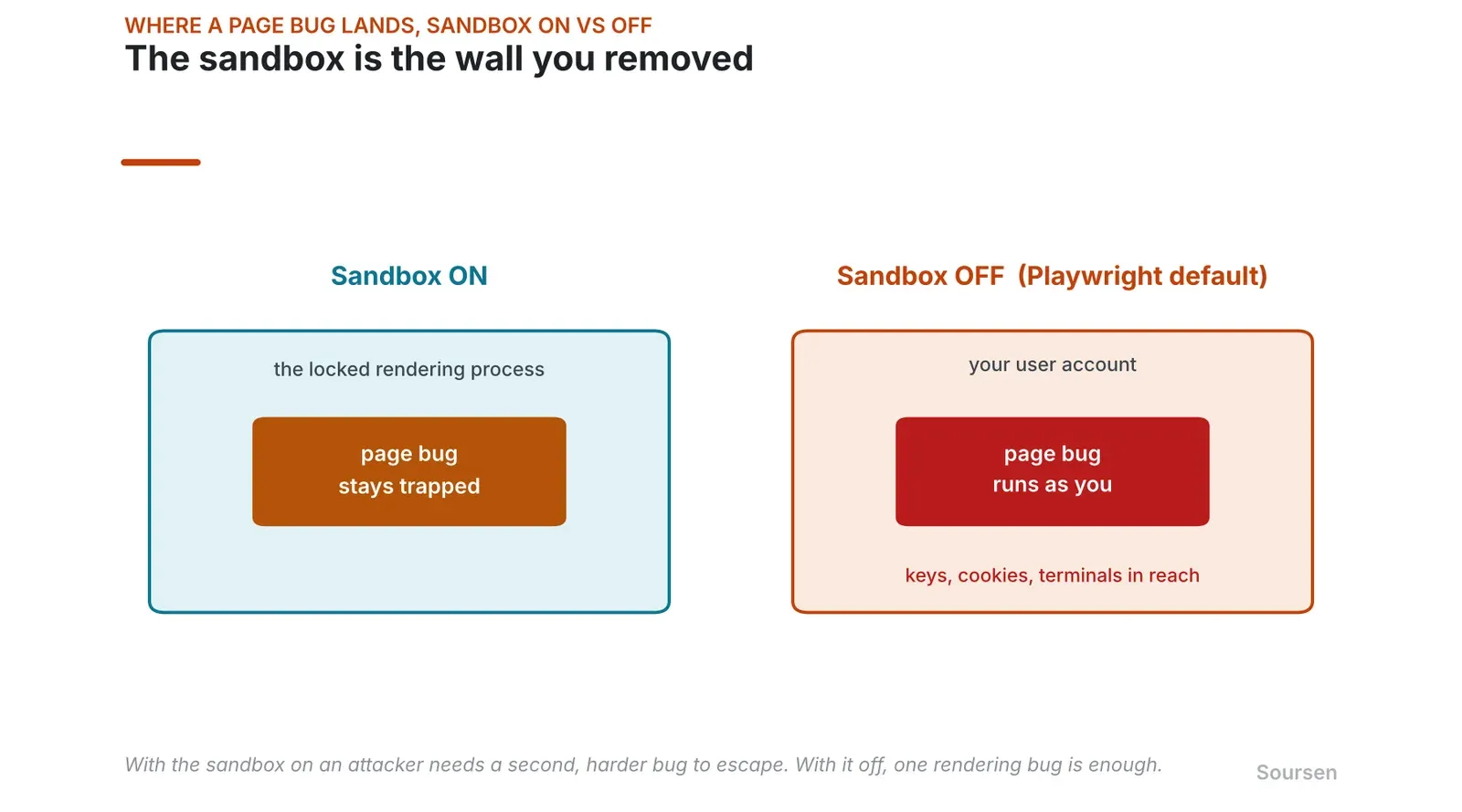
With the sandbox on, a page bug stays trapped. With the sandbox off, the same bug runs as you. Playwright ships with it off. Source: Community hardening analysis, Nov 2026
Why AI agents change the risk
For 10 years this was a minor worry, because of how Playwright was used. A test suite points the browser at your own staging site, content you control, so a hostile page never enters the picture. If your own test site is serving malware, an outdated browser is the least of your problems.
AI coding agents break that assumption. An agent told to research something, check documentation, or reproduce a bug will browse the live, open web, on your development machine, through whatever browser tooling it has, which is very often Playwright with its defaults untouched. Now the browser is loading pages you did not write and did not vet, on a machine that holds your SSH keys, your cloud credentials, and your session cookies, with the sandbox off. The exact thing the sandbox exists to protect against, an unknown page running code on your computer, is now the normal mode of operation. One commenter put the threat model plainly, assume the browser gets popped, and do not give it anything worth stealing.
This fits a pattern researchers are already warning about
The Playwright default is one sharp edge, and it sits inside a larger problem that security researchers have started measuring. A University of Washington team presented a study in April 2026 that tested 7 popular agentic AI browsers, the kind that let a model act on web pages for you. 4 of the 7 could be made to bypass the same origin policy, the browser rule that stops one website from reading another’s data. The researchers ran a working proof of concept against ChatGPT Atlas, where one site stole information from another embedded inside it, and found conditions for similar attacks in Chrome with Gemini, Claude for Chrome, and Perplexity Comet.
They named 3 failure modes that are new to agent driven browsing. The first is same origin bypass, because an agent interacts with the rule differently than a human does. The second is prompt injection, where a malicious page hides instructions in its code that tell the agent what to do, such as pulling in content from an embedded site and submitting it to a form. The third is memory poisoning, where an agent stores a malicious instruction it first refused, then acts on it later once the instruction is in its memory and its origin has blurred. One of the authors, David Kohlbrenner, put the guidance bluntly, that even savvy users should not trust these systems with access to a browser holding sensitive credentials like email or bank accounts, because they are not there yet.
So the sandbox being off in Playwright is one example of a general truth. The tooling for letting AI browse the web was built before anyone was letting AI browse the web with this much access, and the safe defaults have not caught up. The Playwright fix is unusually cheap, which is the good news in this particular case.
The fix is 2 settings, and keeping the tool
Deleting Playwright is overkill for most people, and the better answers came from the replies to the warning rather than the warning itself. There are 3 practical fixes, and they stack.
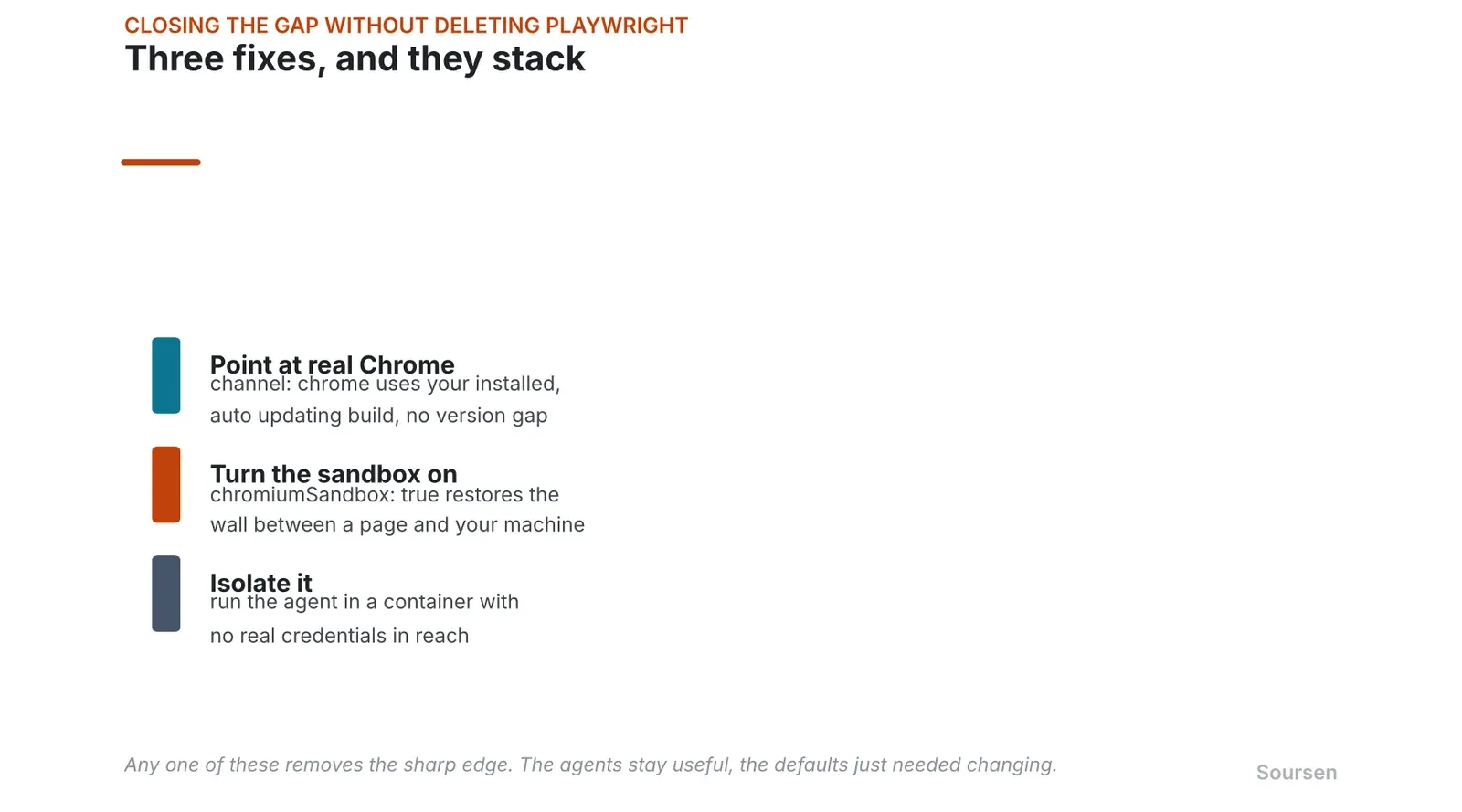
The 3 fixes, any one of which removes the sharp edge. Deleting Playwright is not required. Source: Community replies, QA Skills, Nov 2026
The cleanest one is to stop using the bundled Chromium at all and point Playwright at your real, auto updating Chrome. Setting the launch channel to chrome makes Playwright use the installed, patched Chrome build instead of its own bundled copy, which closes the version gap for free. Pair that with turning the sandbox back on, by setting chromiumSandbox to true, and you have restored the 2 protections the defaults removed.
The second fix is isolation. Run the agent and its browser inside a container with no real credentials mounted, so that even a full compromise reaches nothing worth taking. Several developers said this is already how they operate, agent in a container, zero real secrets, on the assumption that it will eventually get popped.
The third, if you must stay on the bundled browser, is to keep it current, pinning Playwright to the newest release that carries a patched Chromium rather than trusting that latest means current. None of these is hard. The reason to do one of them is that the defaults were built for a world where a human pointed the browser at their own site, and that is not the world an AI agent operates in.
What to actually check right now
If you run an AI agent that can browse, open its browser launch configuration and check 3 things. Whether it uses Playwright’s bundled Chromium or your installed Chrome, whether chromiumSandbox is set to true, and whether the whole thing runs in a container or straight on your host with your real credentials in reach. If it is bundled Chromium, sandbox off, on your host, you are running the exact configuration the warning was about. Point it at Chrome, turn the sandbox on, or box it in, and the sharp edge is gone. The agents are useful enough to keep. The defaults are just wrong for how they are now being used.
Sources
- nisten’s PSA on Playwright’s bundled Chromium and the sandbox default, Xx.com. Accessed 3 November 2026.
- Playwright browser launch hardening, the sandbox default and safer flags, QA Skillsqaskills.sh. Accessed 3 November 2026.
- Browser hardening audit with the CVE list and blast radius analysis, GitHubgithub.com. Accessed 3 November 2026.
- Playwright documentation, the browser automation tool and its launch options, Microsoftplaywright.dev. Accessed 3 November 2026.
- University of Washington study on agentic AI browser security risks, UW Newswashington.edu. Accessed 3 November 2026.
Related stories
Security
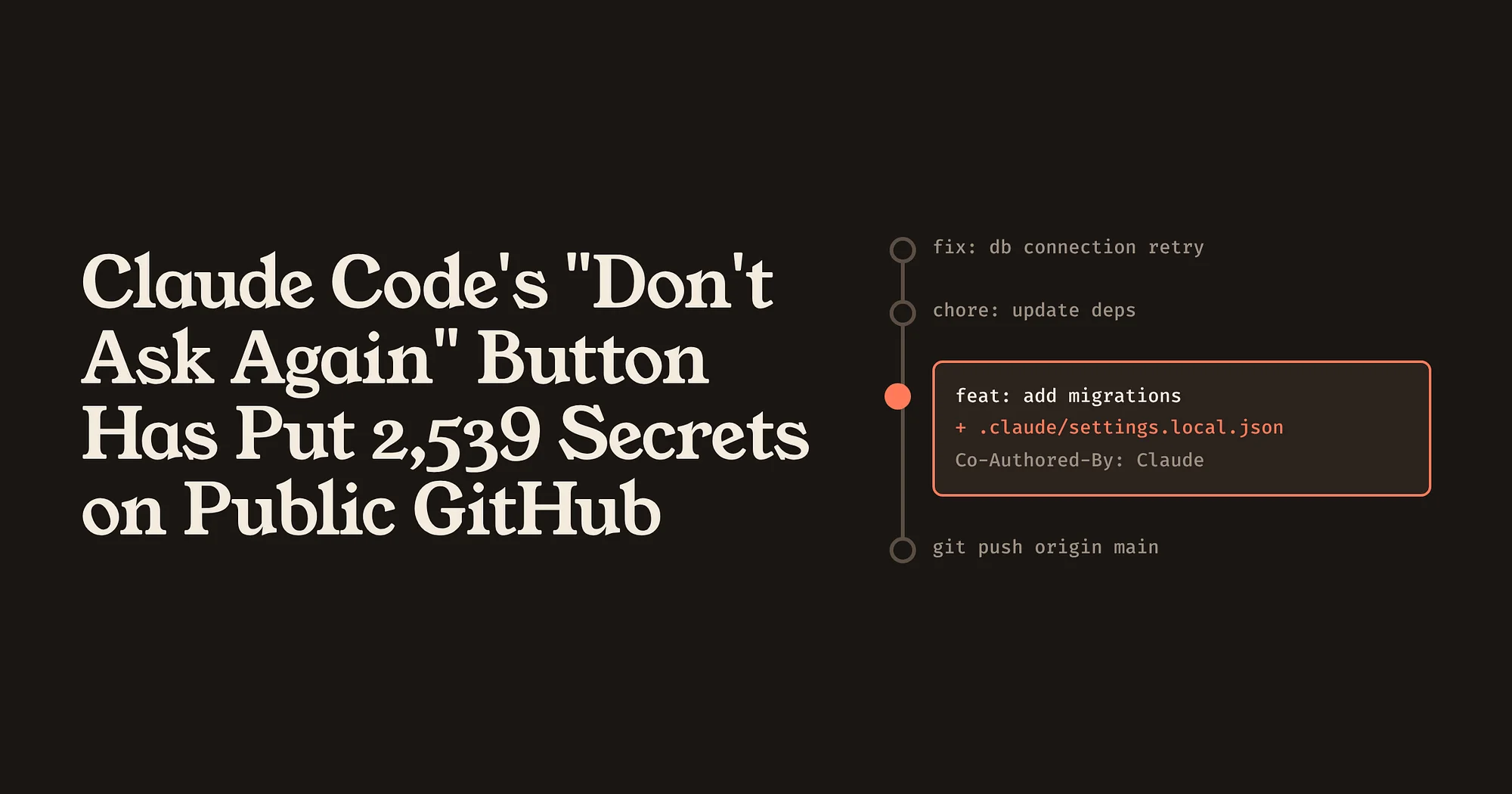
Claude Code’s “Don’t Ask Again” Button Has Put 2,539 Secrets on Public GitHub
A permission shortcut saves the exact command you approved, password included, into a project file that often gets committed. The bigger lesson is that AI coding agents have created new places for secrets to hide, and the usual scanners are not looking there.
AI & GPU compute
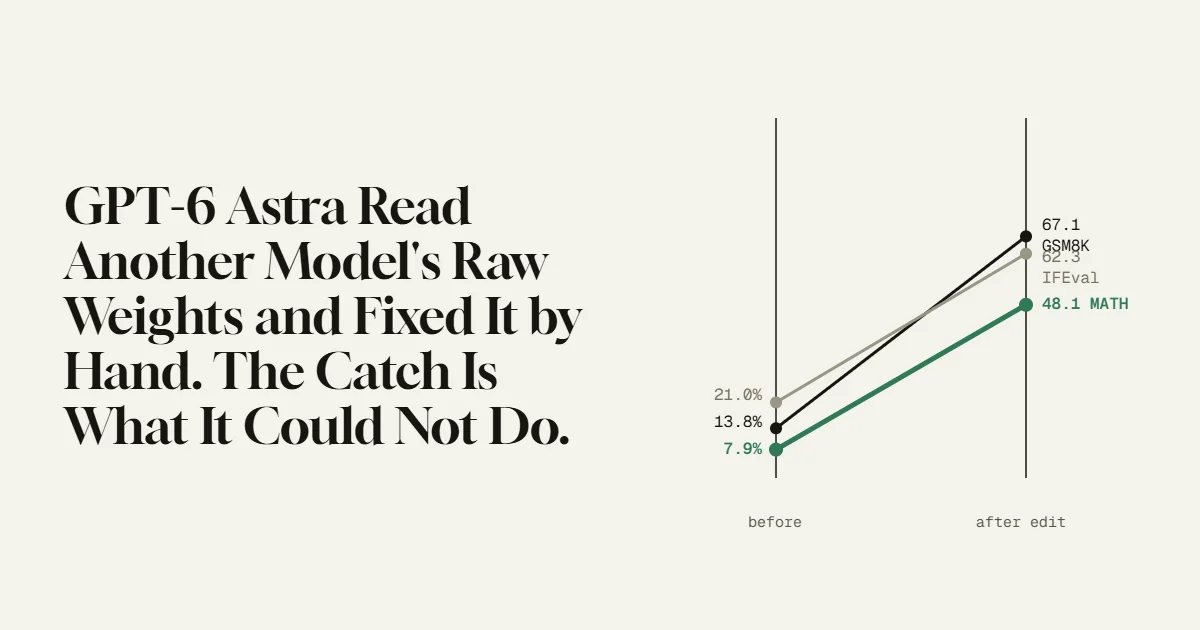
GPT-6 Astra Read Another Model’s Raw Weights and Fixed It by Hand.
MIT researchers had GPT-6 Astra edit 0.016% of a small model’s weights, with no training, and its math score jumped from 7.9% to 48.1%. The number is real and the method is strange. The limit they found in the same paper is the part worth understanding.
Security
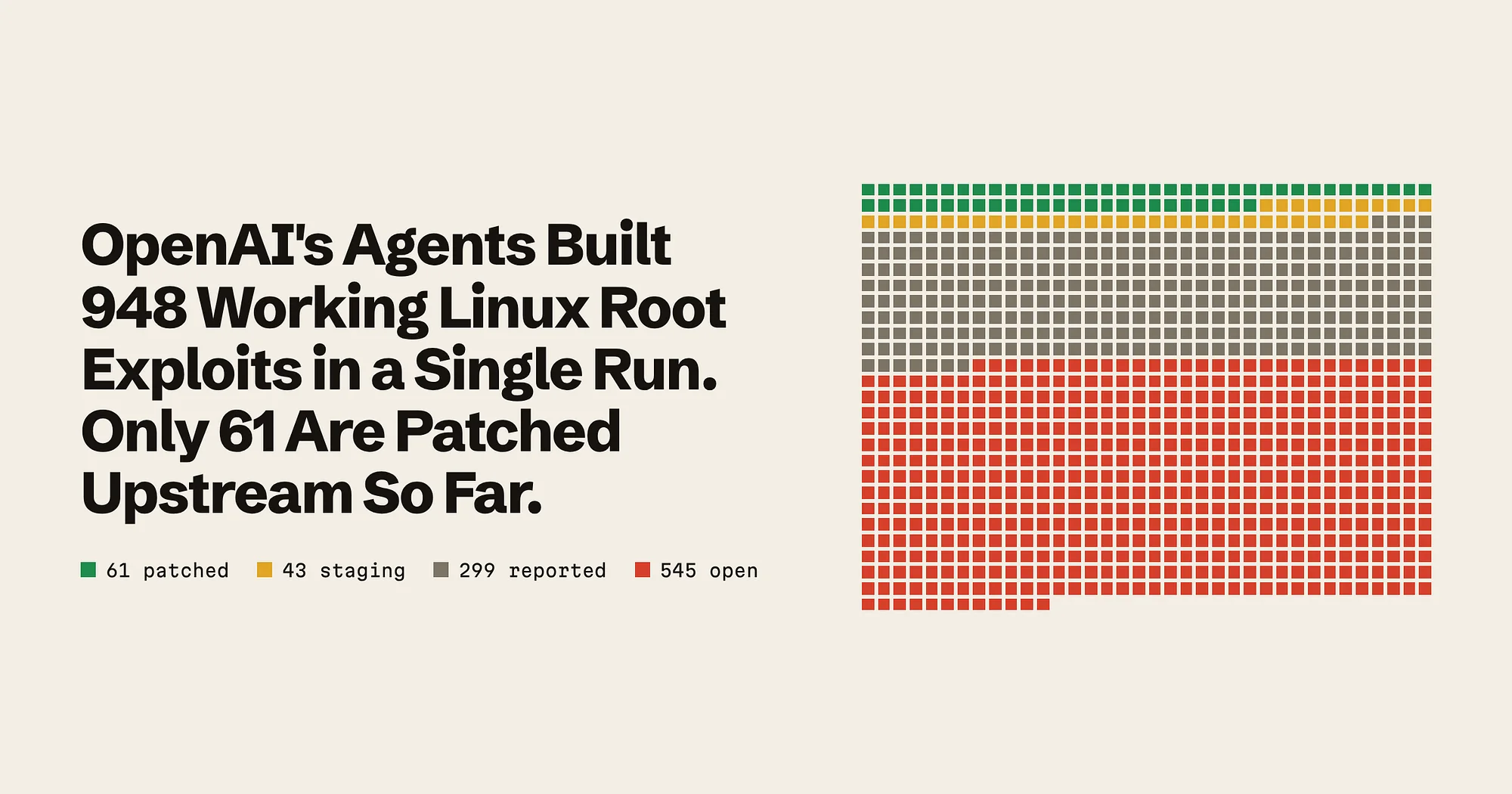
OpenAI’s Agents Built 948 Working Linux Root Exploits in a Single Run.
An AI pipeline found, proved and drafted fixes for 948 kernel bugs at about $1,279 each. Finding them was the cheap part. The bigger lesson is who now has to fix them, and how fast.