You Are Using Claude Wrong. Here Is How the Best Product Managers Actually Use It.
There is a gap between how most product managers use AI and how the best ones use it. The majority treat it like a faster search engine. They open a chat window, type a question, get a generic answer, and wonder why the output never quite fits.
Last verified Also on Medium
On this page
- Why Product Management Is the Perfect Use Case for AI Skills
- What a Claude Skill Actually Is
- The 5 PM Tasks That Map Almost Perfectly to Skills
- PRD Generation
- User Research Synthesis
- Feature Prioritisation Scoring
- Release Notes
- Stakeholder Updates
- How to Write a SKILL.md File: The Full Anatomy
- Part 1: The Description Block
- Part 2: When to Use This Skill
- Part 3: The Instructions
- Part 4: Supporting Files
- A Complete Working Example: The PRD Generator Skill
- Skills vs MCP: Understanding the Difference
- How to Get Started Without Overwhelming Yourself
- The Shift That Is Already Happening
There is a gap between how most product managers use AI and how the best ones use it. The majority treat it like a faster search engine. They open a chat window, type a question, get a generic answer, and wonder why the output never quite fits. The ones getting genuinely useful results are doing something different. They are giving the AI a standing brief, a set of instructions that travel with every session so they never have to explain context again.
That mechanism is called a Claude Skill, and specifically, a file called SKILL.md. It is not a plugin, not a paid feature, and not something that requires technical knowledge to set up. Anthropic’s documentation on Claude Skills describes it as a folder-based instruction system that Claude reads before responding. In practice, it is the difference between an AI assistant that produces generic output and one that already knows your team’s format, your product’s context, and your definition of good work.
This piece covers what Skills are, why they matter more for product managers than almost any other role, and how to build one from scratch that actually improves your output.
Why Product Management Is the Perfect Use Case for AI Skills
Think about what a typical week looks like as a PM. You write PRDs in a specific format your team has agreed on. You score feature requests using the same prioritisation framework every time. You synthesise user interview notes into structured insights using the same analytical approach. You draft release notes in your product’s voice. You send stakeholder updates that follow a consistent structure and level of detail.
Almost all of it is pattern application at scale. You take a large surface area of different problems and run a small set of established formats and frameworks against them. That is precisely what AI is well suited for, applying known patterns consistently across varied inputs.
The problem with how most PMs currently use AI is that every session starts at zero. You open Claude, begin typing, and spend the first several exchanges re-establishing context. Here is our PRD format. Here is how we score features. Here is the voice we use in release notes. The AI produces something reasonable, but it required significant setup, and the next session you do it all over again.
The data on structured AI usage is worth understanding clearly. The Stack Overflow 2025 Developer Survey, covering over 49,000 respondents across 177 countries, found that 84% of developers now use or plan to use AI tools, but only 52% report that AI has had a positive effect on their productivity. The gap between those two numbers is largely explained by how people use the tools, not whether they use them. Developers who use AI daily report significantly higher satisfaction and productivity gains than those using it infrequently, because they have learned how to structure their interactions.
Product management work is at least as repetitive and structured as code review and documentation. DX’s analysis of over 135,000 developers found that AI tools save an average of 3.6 hr/week when used consistently within structured workflows. Daily users saw even larger gains and significantly higher throughput on their core deliverables. The pattern holds across knowledge work generally: the productivity benefit comes from systematic integration, not occasional use.
A prompt is a sticky note you write and throw away. A Skill is a trained colleague who already knows how your team works, shows up the moment you need them, and never has to be onboarded again.
The broader picture is consistent. OpenAI’s 2025 State of Enterprise AI report, drawing on usage data from over one million business customers and surveys across 9,000 workers, found that 75% of workers who use AI at work report improvements in the speed or quality of their output. The same report found that 75% of users say they can now complete tasks they previously could not perform at all. The ceiling on what structured AI use enables is still being discovered.
What a Claude Skill Actually Is
A Skill is a folder. Inside that folder lives a file called SKILL.md. Claude reads this file when you invoke the skill and follows the instructions inside it for that session. That is the entire mechanism. No app to install, no platform to configure, no code to write. The official Claude Skills documentation walks through the technical setup, which takes roughly ten minutes the first time you do it.
The SKILL.md file contains two things. A short description that tells Claude when to activate the skill, written in plain language that specifies the trigger conditions and the type of task. A longer set of instructions that Claude follows once activated, written like you are briefing a capable new team member who needs to understand your standards before starting work.
The folder can also contain supporting files. A template document Claude references when generating output. Example outputs that show Claude the quality standard to match. A context file with your product’s north star metric, target users, and voice guidelines. These supporting files are what take a basic skill from useful to genuinely powerful, because you are giving Claude institutional knowledge rather than just instructions.
The cleanest mental model is this. Right now, every time you open Claude, you are working with a capable generalist who knows nothing about your specific context. A Skill turns that generalist into a specialist who already knows your team’s format, your product’s constraints, and your quality bar before you type your first word.
The 5 PM Tasks That Map Almost Perfectly to Skills
PRD Generation
Writing a product requirements document is the most obvious and highest-value use case. The format is fixed. The sections are established. The quality bar is consistent. The only thing that changes is the input, the problem statement or feature idea you are speccing out.
A PRD skill tells Claude exactly which sections to include, how long each should be, what language register to use, when to ask clarifying questions before starting, and what assumptions to flag for your review. You paste in a problem statement. Claude produces a structured draft in your team’s format. You spend your time on the thinking inside the document rather than the structure around it.
User Research Synthesis
Qualitative research synthesis is time-consuming and pattern-heavy, which makes it well suited for Skills. Most of what takes time in synthesis is structural: organising quotes into themes, tagging observations by user type, writing up jobs-to-be-done statements in consistent language. A research synthesis skill handles all of that structurally, freeing the PM to focus on interpretation. McKinsey’s Superagency in the Workplace report identified document drafting and research synthesis as two of the knowledge work tasks where AI delivers the clearest and most consistent time savings.
Feature Prioritisation Scoring
Whether your team uses RICE, ICE, Kano, or a custom framework, applying it consistently across a large backlog is tedious and prone to the kind of subtle inconsistency that makes prioritisation debates harder than they need to be. A prioritisation skill applies your exact scoring criteria to each feature request with the same weighting and the same interpretation of each factor. The Stack Overflow 2025 survey found that 69% of developers using AI agents report an increase in personal productivity on specific tasks. Repeatable analytical work like backlog scoring is exactly the category where that productivity gain shows up most reliably.
Release Notes
Release notes require a specific voice, a consistent level of technical detail calibrated to your audience, and the discipline to focus on user benefit rather than engineering implementation. A release note skill takes commit messages or Jira ticket summaries as input and produces user-facing notes in your product’s established voice. The output is consistent across every release regardless of which PM is writing it.
Stakeholder Updates
Weekly status updates follow a predictable format: what shipped, what is in progress, what is blocked, what the metrics look like. A stakeholder update skill takes your current sprint data and produces a formatted update in whatever structure your organisation expects. The cognitive load of drafting is eliminated. The time goes to verifying accuracy rather than writing from scratch.
How to Write a SKILL.md File: The Full Anatomy
Part 1: The Description Block
Every SKILL.md file starts with a YAML front matter block at the top. Two fields are required: a name and a description. The description is the most important part of the entire file because it is what Claude reads to decide whether to activate your skill for a given request.
Write the description as if you are training a junior PM on exactly which situations call for this skill. Be specific about the trigger phrases, the types of requests it handles, and the output it produces. Vague descriptions produce missed activations. The more precisely you describe when the skill applies, the more reliably Claude will activate it at the right moment.
name: prd-generator
description: >
Drafts a product requirements document in our team's format. Use this skill when the user asks to write a PRD, draft requirements, spec out a feature, or turn a problem statement into a structured document. Also activates when the user shares a customer complaint or research finding and asks what to build.
Part 2: When to Use This Skill
After the front matter, open with a brief section that gives Claude the complete picture of when this skill applies and what input it needs to get started. Include any clarification it should request before proceeding if the input is ambiguous.
## When to use this skill

The user has a problem statement, feature idea, customer complaint, or rough draft and wants a structured PRD that matches the team's format and quality bar.

If the problem statement is vague, ask for: the target user, the scope boundary, and the primary success metric before starting. Do not begin drafting until these are clear.
Part 3: The Instructions
This is the core of your skill. Write numbered instructions as if you are onboarding a capable new team member who needs to understand your process before starting. Step by step ordering matters because it tells Claude the sequence in which to approach the task, not just the components to include.
## Instructions 1. Read the input carefully. Identify the core problem, the affected user, and the proposed direction if one exists.2. If any of the following are missing, ask before drafting:
- Which user segment experiences this problem
- What success looks like in measurable terms
- What is explicitly out of scope 3. Draft the PRD using the format specified below. 4. Use plain language. Avoid PM jargon unless the user has used it first. Write for an engineer who needs to build this, not an executive who needs to approve it.5. Mark every assumption you make with [ASSUMPTION] so the user can verify or correct it before sharing the doc. 6. End with a list of open questions that need answering before the team begins work.Part 4: Supporting Files
A Skill folder can contain more than just the SKILL.md file. This is where the real leverage comes from, because you are giving Claude your institutional knowledge rather than just a set of instructions.
A template file like prd-template.md gives Claude the exact structure to populate rather than inferring it from instructions. An examples folder with two or three of your best previous PRDs gives Claude pattern-matching data for the quality standard you expect. A context file called business-context.md can contain your product’s north star metric, current quarterly goals, target user personas, and brand voice guidelines. Referencing this file from your skill instructions with a line like read business-context.md before generating output and align all content to our product principles ensures Claude is working within your actual strategic context.
The compounding effect of structured context is significant. GitHub’s research on AI tool adoption, conducted across 2,000 enterprise developers in four countries, found that developers who had learned to work with structured AI workflows, rather than ad-hoc prompting, reported markedly higher productivity gains and satisfaction scores. The same pattern applies to any knowledge worker who invests in building that structure upfront. The context file is the mechanism for providing that structure systematically rather than rebuilding it every session.
A Complete Working Example: The PRD Generator Skill
Here is what a production-ready PRD generator SKILL.md looks like in full. This is the kind of file you build once and refine over several weeks as you see how the output compares to your actual standards.
---
name: prd-generator
description: >Drafts a product requirements document in our team's format. Use this skill when the user asks to write a PRD, draft requirements, spec out a feature, or turn a problem statement into a structured doc. Also use when a user shares a customer pain point and wants to know what to build.---# PRD Generator
## When to use this skillThe user has a problem statement, feature idea, or rough draft and wants a structured PRD that matches our team's format. ## Before you start
Read business-context.md to understand our product, users, and current strategic priorities. All PRD content should align to the north star metric defined there. ## Instructions1. Identify the core problem and the user it affects.
2. Ask if missing: target user segment, success metric, scope boundary, or launch timeline.
3. Draft the PRD using the format below.
4. Keep language concrete. No passive voice.
5. Flag every assumption with [ASSUMPTION].
6. Close with open questions to resolve before build starts.## PRD Format Problem Statement: One to two sentences. What is broken or missing, for whom, and at what cost to the user or the business. Target User: Who experiences this problem. How often. What they currently do instead, and why that solution falls short. Proposed Solution: What we are building. What we are explicitly not building. Why this solution and not an alternative.Success Primary metric: the single number that moves if this works.
Guardrail metrics: what we are not allowed to break.Open Questions: Unresolved dependencies, unknowns, and decisions that need owner sign-off before the team begins work.Skills vs MCP: Understanding the Difference
If you have been following the AI tooling space, you have likely come across Model Context Protocol, known as MCP. Both Skills and MCP extend what Claude can do, but they address fundamentally different problems and are not interchangeable.
A Skill is an internal playbook. It tells Claude how to approach a task, what format to use, what quality bar to meet, and what context to apply. It operates entirely within the conversation. It cannot reach outside the session to fetch live data, call an API, or connect to an external service. Skills are instructions, not integrations.
MCP is the connection layer between Claude and the outside world. An MCP server lets Claude read your actual Linear tickets in real time, query your Notion workspace, pull data from your analytics platform, or interact with any external service that has an MCP integration. MCP is about live data access. Skills are about consistent behaviour.
The two work together rather than replacing each other. A skill tells Claude how to write a PRD in your team’s format. An MCP connection lets Claude pull the relevant customer feedback from your research repository as it writes. The skill governs the output structure and quality. The MCP integration provides the live context the skill operates on.
The Anthropic MCP documentation covers the available integrations and how to connect them. For most PMs getting started, the right sequence is to build your core skills first, get the output quality to the standard you want, and then layer in MCP connections to feed those skills live data from your tools.
How to Get Started Without Overwhelming Yourself
The mistake most people make when they first encounter Skills is trying to build a comprehensive library immediately. They map out fifteen skills they want, start building all of them simultaneously, and end up with fifteen half-finished files that none of them use consistently.
Start with one skill. Pick the PM task you repeat most frequently, which for most people is PRD writing, and build only that. Do not move on until you have used it in at least ten real sessions and refined it based on what the output gets wrong.
Use Claude to help you write the skill itself. Anthropic’s prompting guide covers how to structure instruction documents effectively. In practice, the fastest way to get a starting point is to paste two or three of your best previous PRDs into Claude and ask it to generate a SKILL.md file that would produce outputs at that quality standard. The result will not be perfect, but it gives you a draft to refine rather than a blank page.
Treat the description field as your primary quality lever. If the skill is not activating when you expect it to, the description is almost always the cause. Rewrite it with more specific trigger phrases and more precise task language. Add examples of the kinds of requests that should activate it.
Build the context file early. A business-context.md document that contains your product’s north star metric, your current quarterly priorities, your target user definitions, and your brand voice guidelines is worth building even before you have a second skill. Every skill you build after can reference it, which means the entire library benefits from that context document automatically.
The compounding benefit is the point. The Stack Overflow 2025 Developer Survey found a clear correlation between usage frequency and productivity gains. Developers who used AI tools daily reported significantly higher satisfaction and output quality than those using them occasionally, specifically because they had developed structured workflows that applied the tools to their most repetitive tasks. The skill library is how you build that structure for product management work.
The Shift That Is Already Happening
Every major PM tool is going AI-native in 2026. Linear’s AI features now generate issue descriptions and suggest priorities. Figma’s AI capabilities assist with design iteration and content generation. Notion AI drafts documents and synthesises notes across your workspace. These are tool-specific implementations, which means the AI behaves differently depending on which tool you are in, and none of them carry your specific context from one to another.
A Claude Skills library sits above all of that. It is a workflow layer you own, that carries your institutional context across every tool and every session, that compounds in value as you refine it, and that no tool migration can take away from you. McKinsey’s research on AI in the workplace found that organisations where employees use AI daily and with structured workflows are far ahead of those where usage is fragmented across departments without coordination. The individual equivalent of that is building your own workflow layer rather than depending on whatever each tool happens to offer.
The adoption numbers are clear on the direction. 84% of developers in 2025 use or plan to use AI tools, up from 76% in 2024 and 70% in 2023. The trend is consistent and accelerating. What is not accelerating at the same rate is structured, intentional use that actually compounds. Most people are using AI generically. The PMs who build a skills library now are building a compounding advantage over those who continue relying on tool-native AI implementations that reset context with every session.
Sources
- Anthropic: Claude Skills Documentation — Official documentation on Skills, SKILL.md file structure, and folder organisation.docs.anthropic.com. Accessed 16 June 2026.
- Anthropic: Model Context Protocol — MCP integrations and how to connect Claude to external data sources and services.docs.anthropic.com. Accessed 16 June 2026.
- Anthropic: Prompt Engineering Overview — Official guidance on writing effective instructions for Claude.docs.anthropic.com. Accessed 16 June 2026.
- Stack Overflow 2025 Developer Survey: AI Section — 49,000+ respondents across 177 countries. 84% AI adoption, 52% positive productivity impact, 69% of agent users report increased personal productivity.survey.stackoverflow.co. Accessed 16 June 2026.
- DX / GetPanto: AI Coding Assistant Statistics — Analysis of 135,000+ developers. Average 3.6 hours per week saved. Daily users merge 60% more PRs.getpanto.ai. Accessed 16 June 2026.
- GitHub: Survey: The AI Wave Continues to Grow — 2,000 enterprise developer survey across US, Brazil, India, and Germany on AI tool adoption and structured workflow impact.github.blog. Accessed 16 June 2026.
- McKinsey: Superagency in the Workplace — AI’s impact on knowledge work productivity, document drafting, and research synthesis identified as highest-value use cases.mckinsey.com. Accessed 16 June 2026.
- OpenAI: State of Enterprise AI 2025 — Data from 1 million+ business customers and 9,000 worker surveys. 75% report improved speed or quality of output.openai.com. Accessed 16 June 2026.
- Linear: AI Features — Linear’s native AI capabilities for issue generation and priority suggestions.linear.app. Accessed 16 June 2026.
- Figma: AI Capabilities — Figma’s AI tools for design iteration and content generation.figma.com. Accessed 16 June 2026.
- Notion AI — Notion’s AI for document drafting and workspace synthesis.notion.so. Accessed 16 June 2026.
Related stories

AI & GPU compute
Anthropic Just Posted $16.8
The numbers coming out of the AI industry are the biggest in the history of technology, and a growing group of analysts thinks that is the problem. I went through the real figures behind the bubble debate, Anthropic’s revenue, the infrastructure commitments, the debt, the falling cost of intelligence, and who is actually paying, because the case for a correction and the case against it both rest on the same facts.

AI & GPU compute
The AI Subscription Era Is Ending. Here Is What Replaces It.
There is a specific moment happening in AI pricing right now that is worth understanding clearly, because it is the first real signal of how the economics of this entire industry are likely to shift over the next few years.
Security
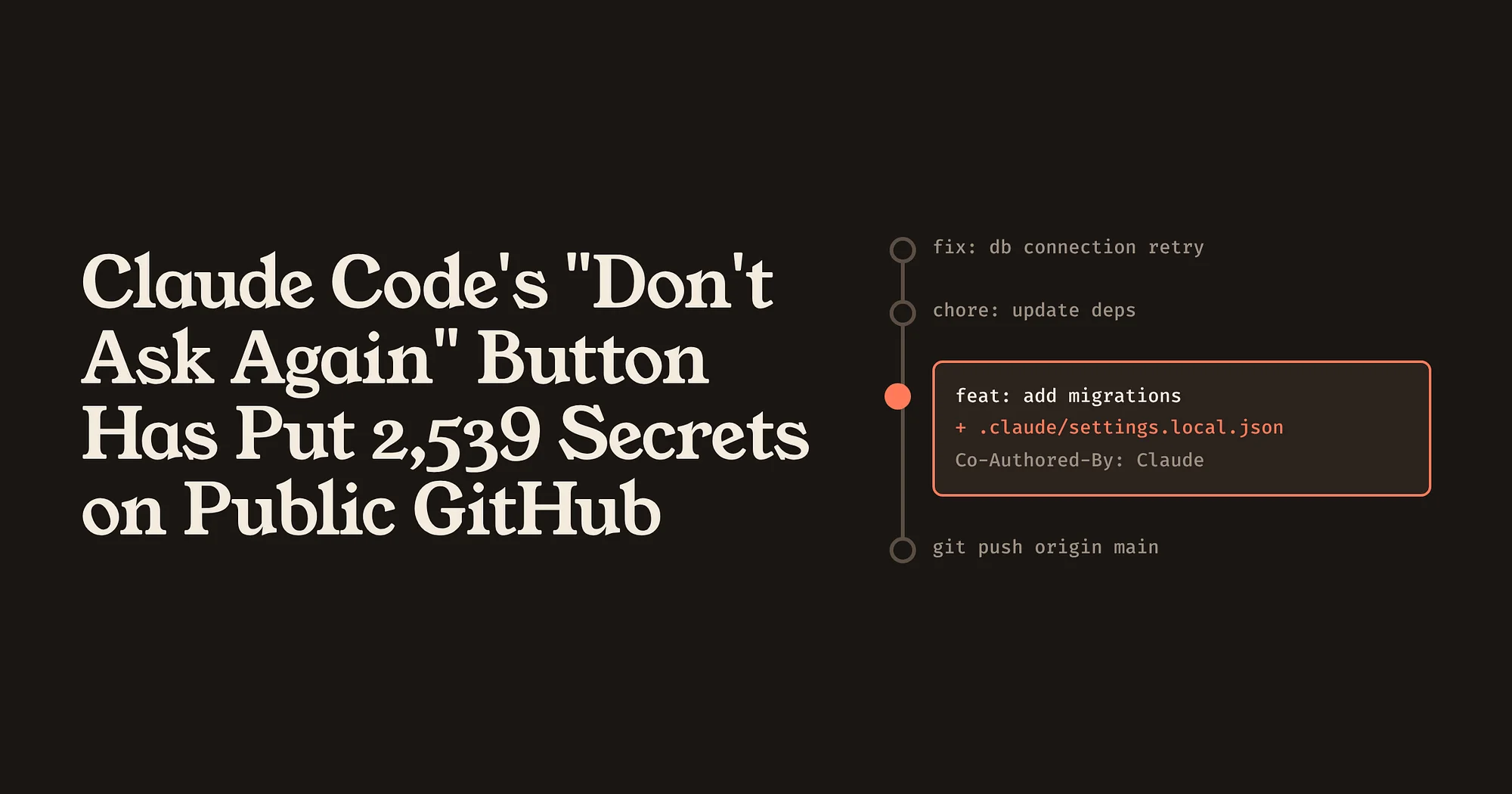
Claude Code’s “Don’t Ask Again” Button Has Put 2,539 Secrets on Public GitHub
A permission shortcut saves the exact command you approved, password included, into a project file that often gets committed. The bigger lesson is that AI coding agents have created new places for secrets to hide, and the usual scanners are not looking there.